QR codes
How to track print marketing campaign data
Phone logs, promo codes, landing pages, and batch spreadsheets. Practical ways to track and analyze data from leaflet and flyer campaigns.
- Author
- flyerfly team
- Published
- Reading time
- 4 min read
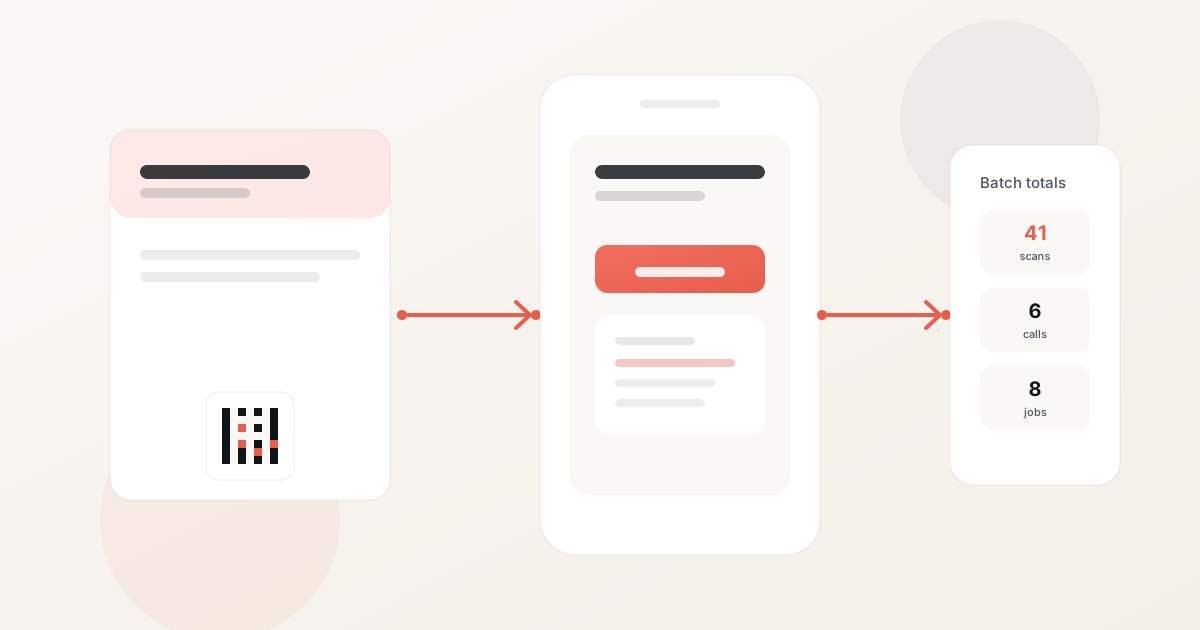
Print campaigns can bring plenty of local calls, but only if you write down what happened after the leaflets went out. For each batch, log enquiries and booked jobs so you know what worked when you plan the next run.
This guide covers the main techniques local businesses use to measure leaflet and flyer campaigns.
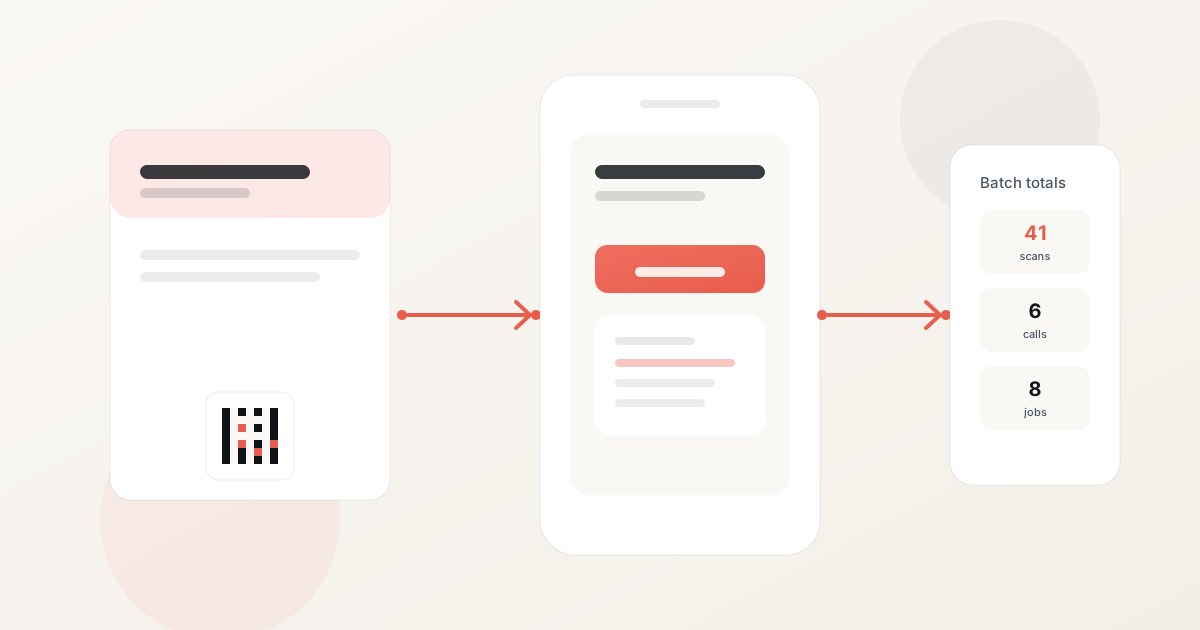
Define the campaign batch
Before you finalize artwork, decide what you are measuring. Give the run a clear name, such as "September A6 D7" or "Spring north offer."
Record for each batch:
- Print quantity
- Target streets or postcodes
- Drop or handout date
- Total cost (design, print, distribution)
One batch, one row in your log. If you mix two runs without labels, you will not know which area or offer brought the calls.
Log phone calls and walk-ins
Your standard business number stays on the print. When someone rings, ask where they saw you and tag the enquiry with the batch name.
Tell staff when a drop is going out so they ask "how did you hear about us?" on every call and walk-in that fortnight.
Add coupon or offer codes
Discount codes printed on the material can track redemptions at the till or on the phone. Train staff to ask for the code and log it against the batch.
Unique codes per campaign work better than a generic discount used all year. This is often the simplest tracking method for businesses that do most of their business by phone.
Keep a batch spreadsheet
A single tab with one row per run is enough for most owners:
| Field | Example |
|---|---|
| Batch name | Sept A6 D7 offer A |
| Quantity | 2,000 |
| Area | Streets X–Y |
| Drop date | 2026-09-12 |
| Print + drop cost | €380 |
| Calls tagged to batch | 6 |
| Jobs or orders | 4 |
| Notes | Rain on drop day |
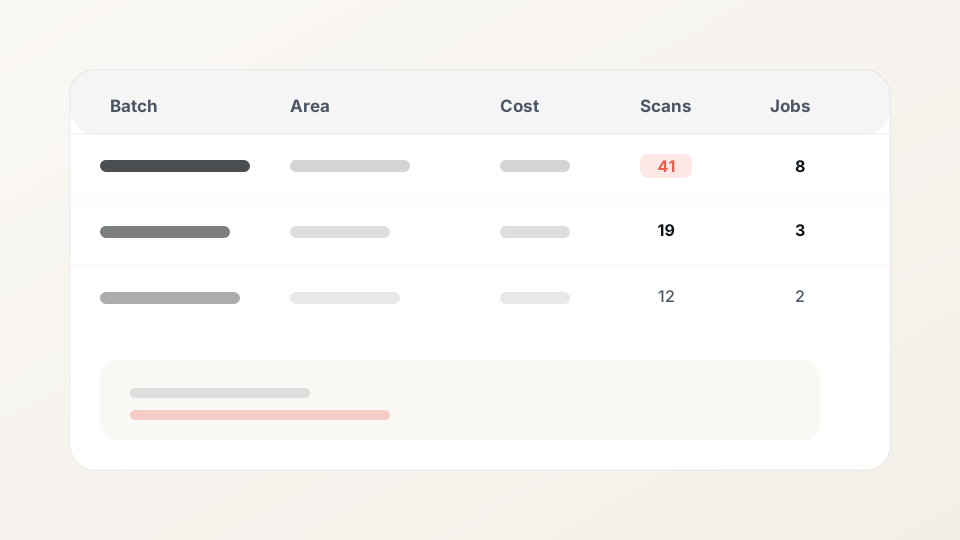
Save each row. After a few months you can see which areas and offers keep bringing calls.
Build landing pages for each campaign
A dedicated landing page can use the same headline, offer, and next step as the leaflet. Keep the page mobile-friendly: visible phone button, short form or booking link if you use one, and a reminder of the areas you serve.
If each batch has its own page URL, you can count visits for that run without mixing them with your general homepage traffic.
Only collect form fields you will use.
Add a scannable link (optional)
A QR code is the square barcode people scan with their phone camera to open a web page. You can print one on your leaflet so customers reach your offer without typing a URL.
A tracked link records the visit for that batch before sending the reader to your page. Use a separate link for each leaflet run. If you print 2,000 leaflets for the north side in March and another 2,000 for the south side in April, give each run its own link so you can count visits per batch. flyerfly builds the scannable link, landing page, and visit counts into each print run.
Follow QR code print tips for size and placement. Print one proof and test it on two phones before approving the full quantity.
Test creative with split geography
To compare two headlines or offers, deliver version A to one area and version B to another during the same week. Use different offer codes or tracked links. Keep household counts similar where you can.
Change one variable at a time. See how to A/B test two leaflet offers for a full walkthrough.
Label cartons at the printer so versions do not get mixed.
Analyze results on a regular schedule
Set two review dates: day seven and day fourteen after the drop.
On day seven, check tagged calls, promo code use, and any obvious issues such as a broken link or wrong price on the page.
On day fourteen, decide whether to reprint, adjust the offer, or test a new area. Divide batch cost by enquiries or jobs for cost per result.
Look for trends across batches: which postcodes called, which offers led to booked jobs, and how print compared to other channels that month.
Integrate print with your wider marketing
Print fits alongside search, social, and email. Someone may see a leaflet, then find you on Google a few days later. Note that in your batch row if they mention it on the phone.
If you log print batches the same way you log ad spend, you can compare what each channel cost per enquiry that month.
Related reading
FAQ
Name each batch, log tagged calls and jobs in a spreadsheet row, and use a unique offer code on the print. Review results at day seven and day fourteen.
A dedicated landing page helps when you want online visits counted, but few people type long URLs from print. If you use a page, connect it with a scannable link rather than asking people to type the address.
Usually no. Keep your normal business number on the leaflet. Ask callers how they heard about you and log the batch name in your spreadsheet.
A unique code on the leaflet lets staff record walk-ins and phone orders. Log redemptions in the same batch row as your other response data.
Review at day seven to see first results, then again at day fourteen before you reprint or change the offer. After several runs, compare batches to spot trends.
Related articles
How to measure the results of print marketing
How to see whether your leaflets and flyers brought calls, enquiries, and booked work. A practical guide to measuring print campaigns for local businesses.
Read articleMetrics for measuring print marketing campaigns
Response rate, conversion rate, cost per response, and more. A guide to the KPIs used to evaluate leaflet and flyer campaigns.
Read articleFrom letterbox to lead: tracking a print campaign properly
A practical funnel from door drop to tracked QR, landing page, and booked job. What to record so print is not a black box.
Read article